
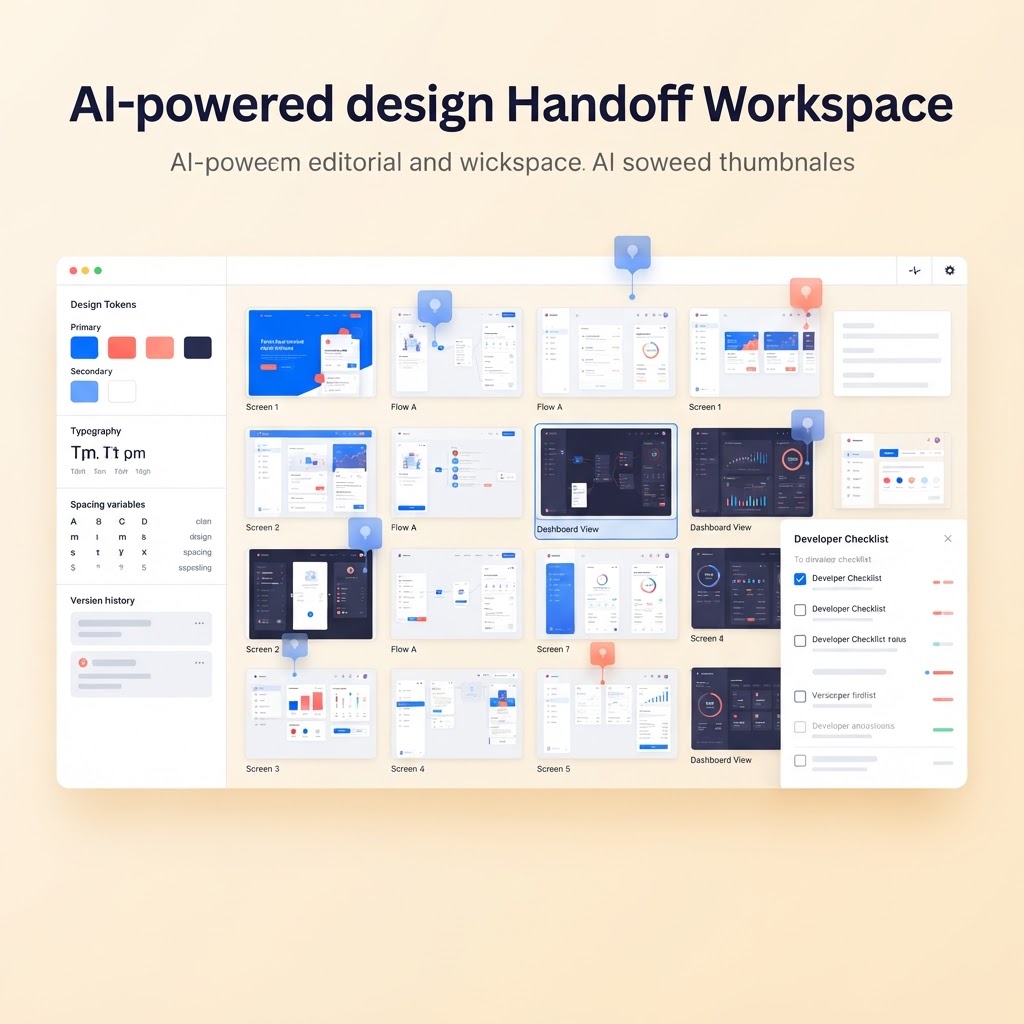
AI Design Handoff Workspace
Can AI build a design handoff workspace? Organize approved screens, design tokens, assets, annotations, and developer questions in one AI-assisted delivery hub.
What it does
AI can create the workspace, status flows, annotation model, documentation helpers, and checklist generation. Pixel-perfect inspection of every design file and production-grade Figma synchronization require specialized integrations and human review.
AI can create the workspace, status flows, annotation model, documentation helpers, and checklist generation. Pixel-perfect inspection of every design file and production-grade Figma synchronization require specialized integrations and human review.
Build prompt
Build a design handoff workspace for product designers and developers. Let teams upload or mock screens, mark approved versions, attach assets, document design tokens, add annotations, and collect developer questions. Add AI assistance to summarize screen intent, generate implementation notes, flag missing states, and turn comments into a handoff checklist. Include project navigation, screen status, searchable notes, responsive layouts, and shareable read-only views. Use mock data and deterministic fallbacks when AI is unavailable.
Related builds
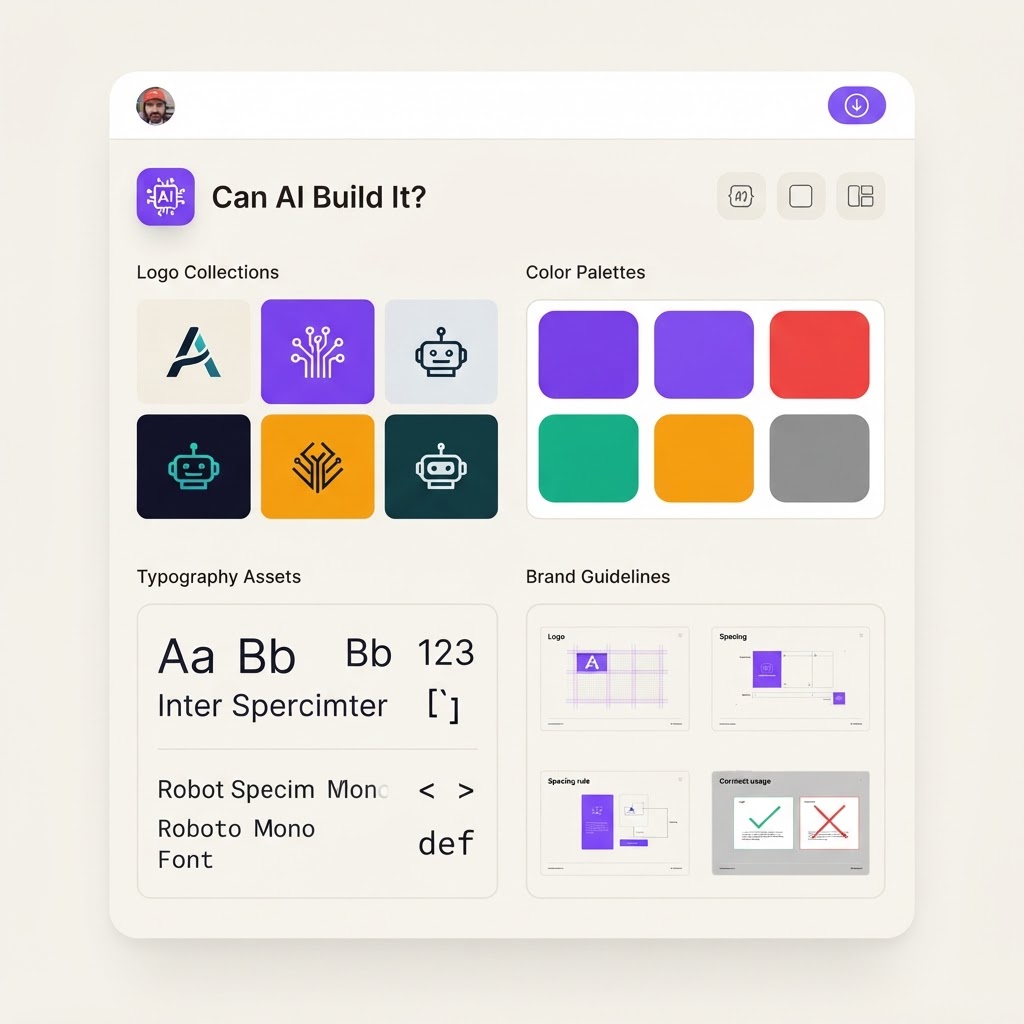
AI Brand Asset Library
Give teams one searchable home for logos, templates, campaign files, and approved brand assets with AI-powered tagging and retrieval.
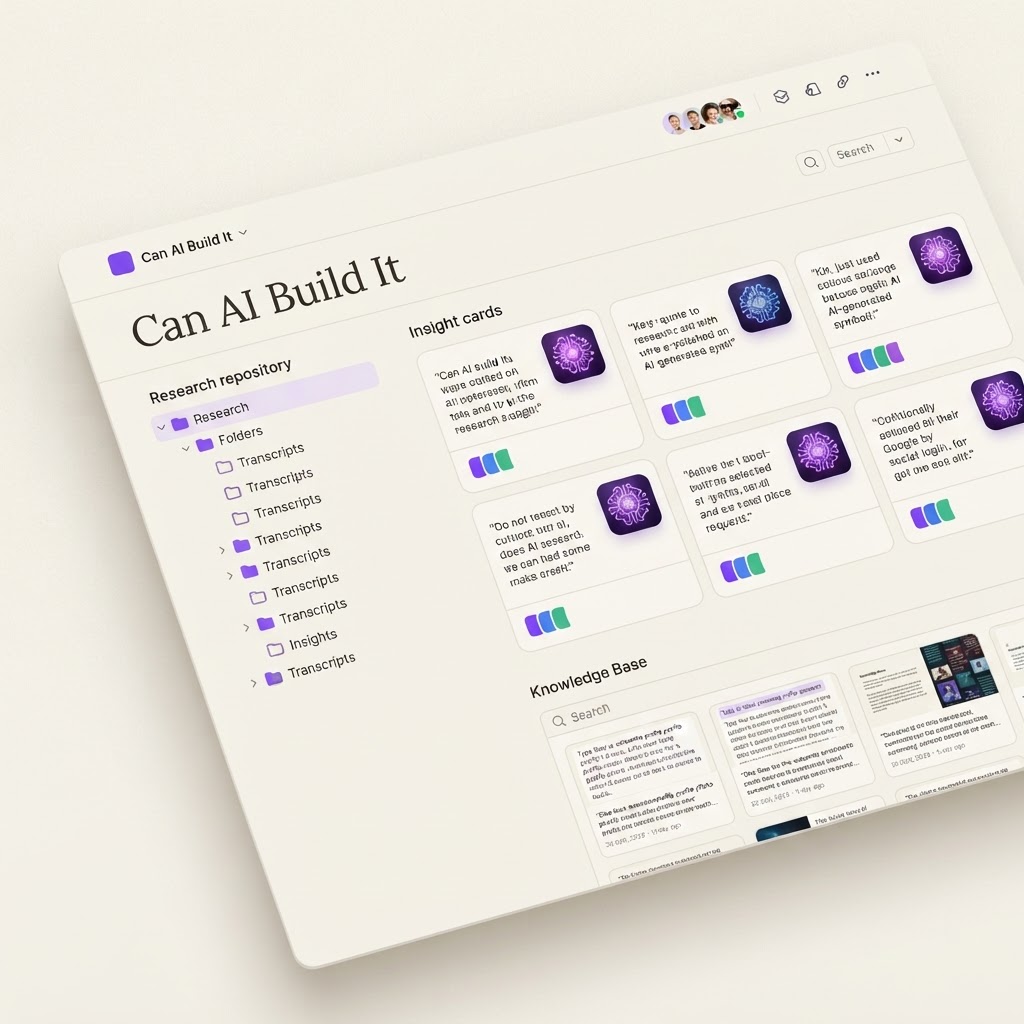
AI User Research Repository
A searchable research workspace that turns interviews, notes, and observations into tagged insights, evidence trails, and product decisions.
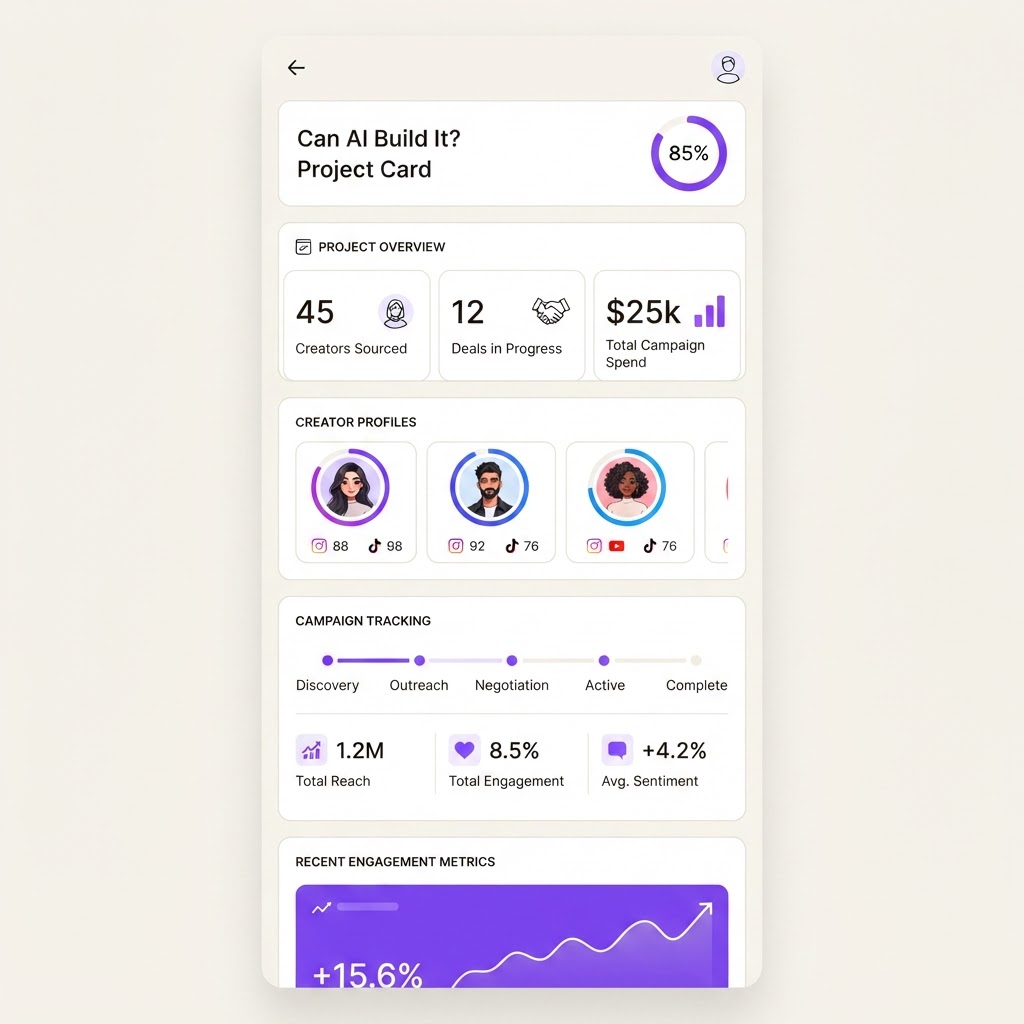
AI Creator Sponsorship CRM
A focused workspace for creators to track brand deals, deliverables, rates, invoices, and campaign performance without juggling spreadsheets and DMs.