
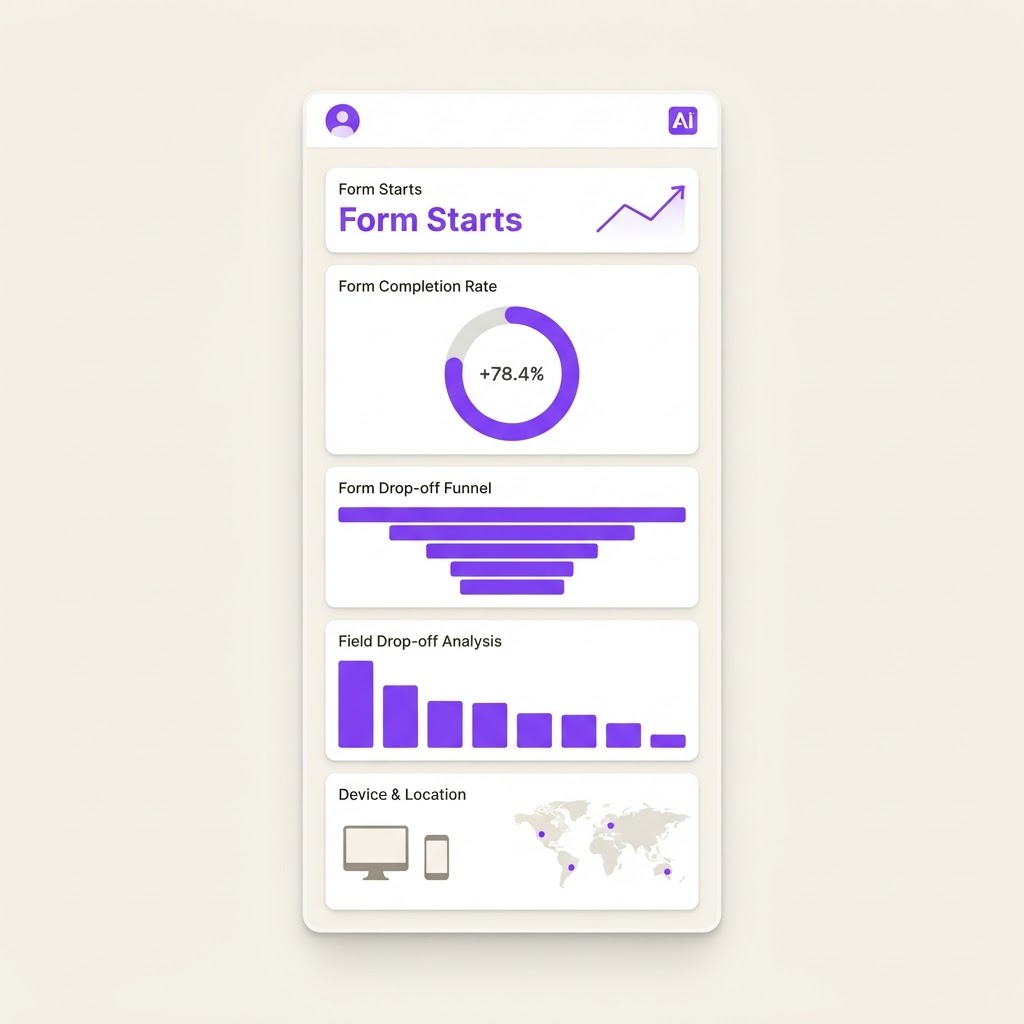
AI Form Analytics Tracker
A form analytics tool that tracks form field completion rates, drop-off points, and user behavior — with AI-powered recommendations to improve conversion rates.
What it does
The dashboard and AI insights components are well within AI app builder capabilities — charts, funnels, and LLM-powered recommendations are standard patterns. The challenge is the tracking snippet: it requires careful JavaScript to capture field-level events without breaking the host form, handle cross-origin limitations, and send data reliably. AI can generate a working snippet, but edge cases (SPAs, dynamic forms, iframe embeds) need manual testing. An intermediate builder can ship a working version in 2-3 days. The AI insights feature is the differentiator and works reliably once tracking data flows in.
The dashboard and AI insights components are well within AI app builder capabilities — charts, funnels, and LLM-powered recommendations are standard patterns. The challenge is the tracking snippet: it requires careful JavaScript to capture field-level events without breaking the host form, handle cross-origin limitations, and send data reliably. AI can generate a working snippet, but edge cases (SPAs, dynamic forms, iframe embeds) need manual testing. An intermediate builder can ship a working version in 2-3 days. The AI insights feature is the differentiator and works reliably once tracking data flows in.
Build prompt
Build a form analytics tracker web app with these features: 1) A JavaScript snippet that users embed on their forms (similar to Google Analytics) to track: field focus events, field completion, time spent per field, form abandonment point, and total form completion time. 2) A dashboard showing: form completion rate, drop-off funnel (which fields cause users to leave), average time per field, and field-level completion heatmap. 3) AI insights panel that analyzes patterns and suggests improvements (e.g., 'Users abandon at the phone number field 43% of the time — consider making it optional or adding a trust badge'). 4) A/B test comparison view to compare two form versions side by side. 5) Session recordings timeline showing individual user journeys through the form. 6) Export reports to PDF and schedule email summaries. 7) Multi-form support with a form management dashboard. Use React + TypeScript, Tailwind CSS, Recharts for visualizations, and an LLM API for insights. Include demo data from a sample contact form on first load.
Related builds
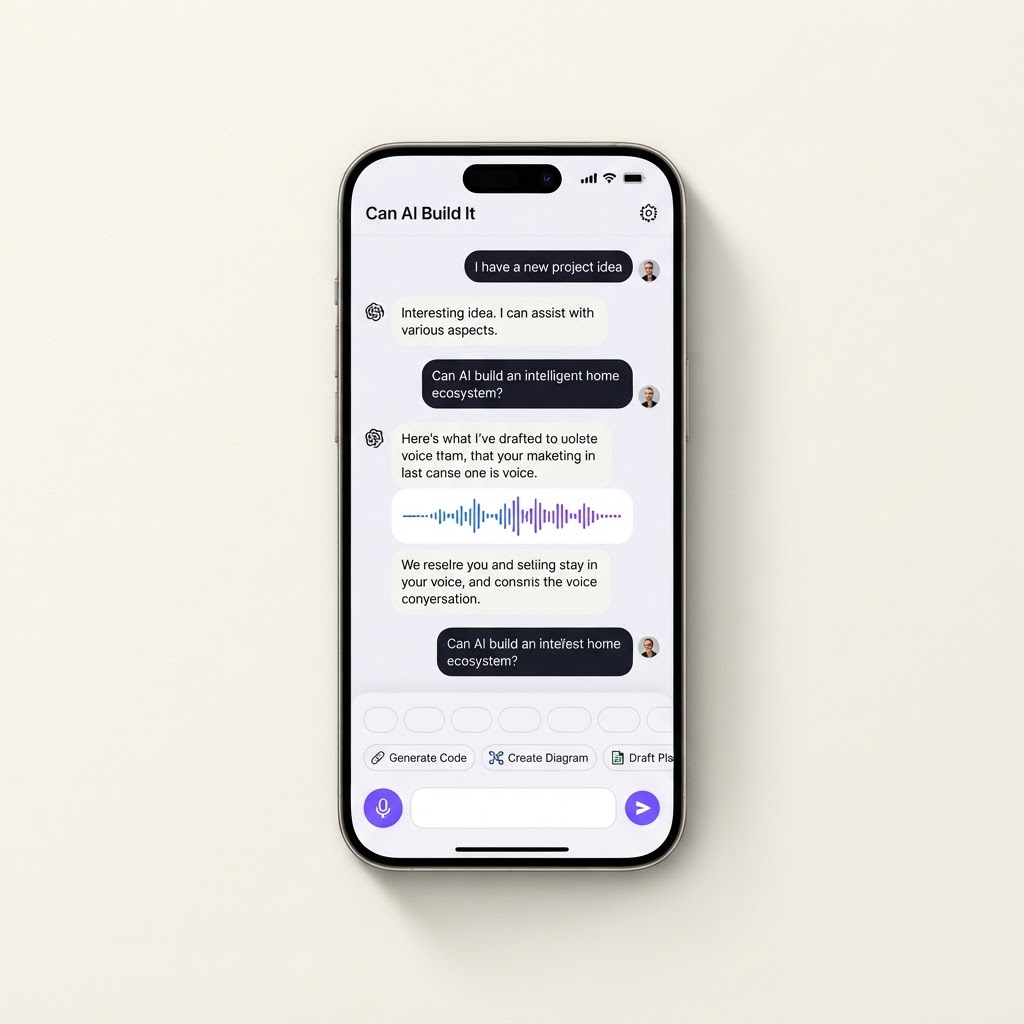
AI Voice Assistant App
A voice-first AI assistant that transcribes speech, generates natural responses, and talks back. Handles customer queries, schedules appointments, and answers knowledge base questions hands-free.
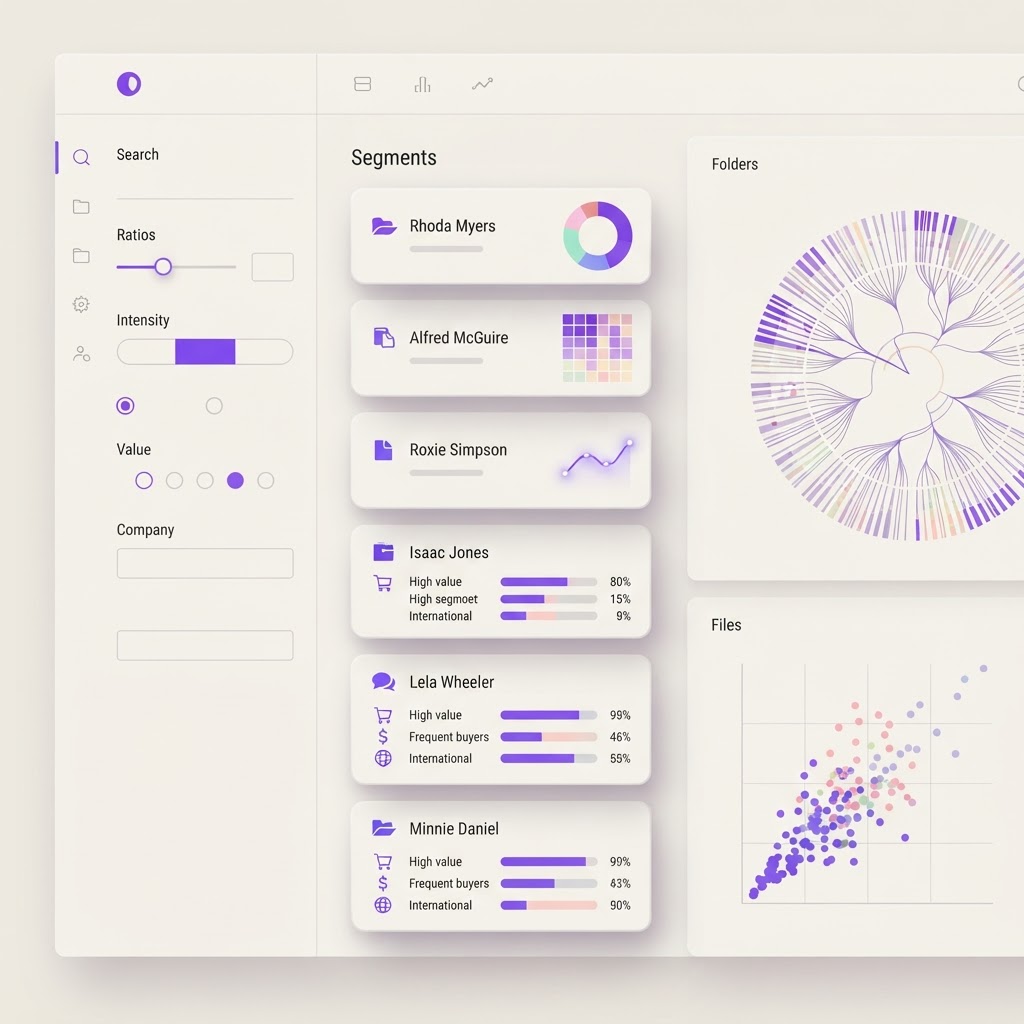
AI Customer Segmentation Tool
Automatically segment your customers based on behavior, purchase history, and engagement patterns. Upload your customer data and get AI-generated segments with actionable insights.
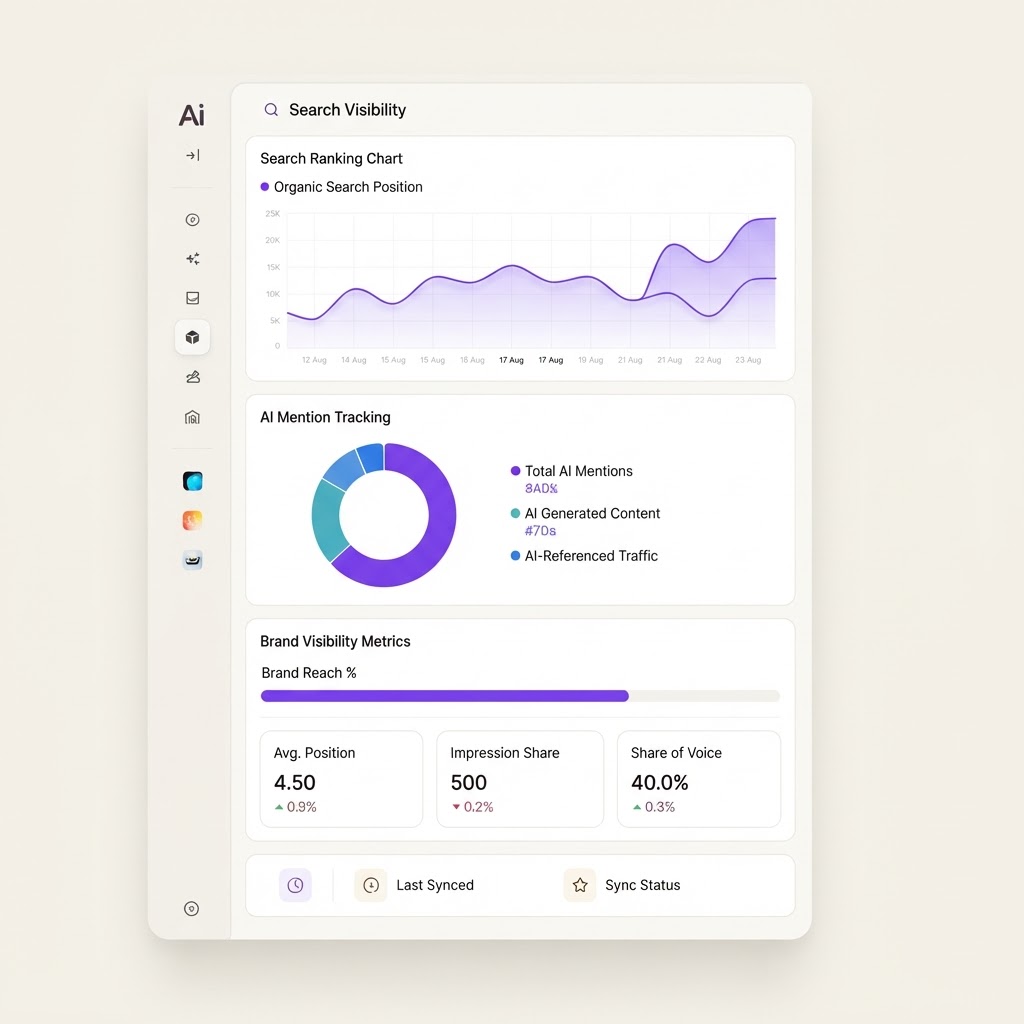
AI Search Visibility Tracker
Track where your brand appears in AI search engines like ChatGPT, Perplexity, and Google AI Mode. Monitor mentions, sentiment, and citation trends over time.